For Designers · Architects · Real Estate

Client-ready renders
in seconds, not hours.

The only AI renderer built around your workflow — not against it. Upload your Revit elevations, SketchUp models, or CAD drawings and get photorealistic renders that preserve exactly what you designed.

Start free See examples
9
control modes
2
free renders
options per run

Drawing → Render

Every drawing becomes a render
View all
Before
After
◁▷
BEFORE
AFTER

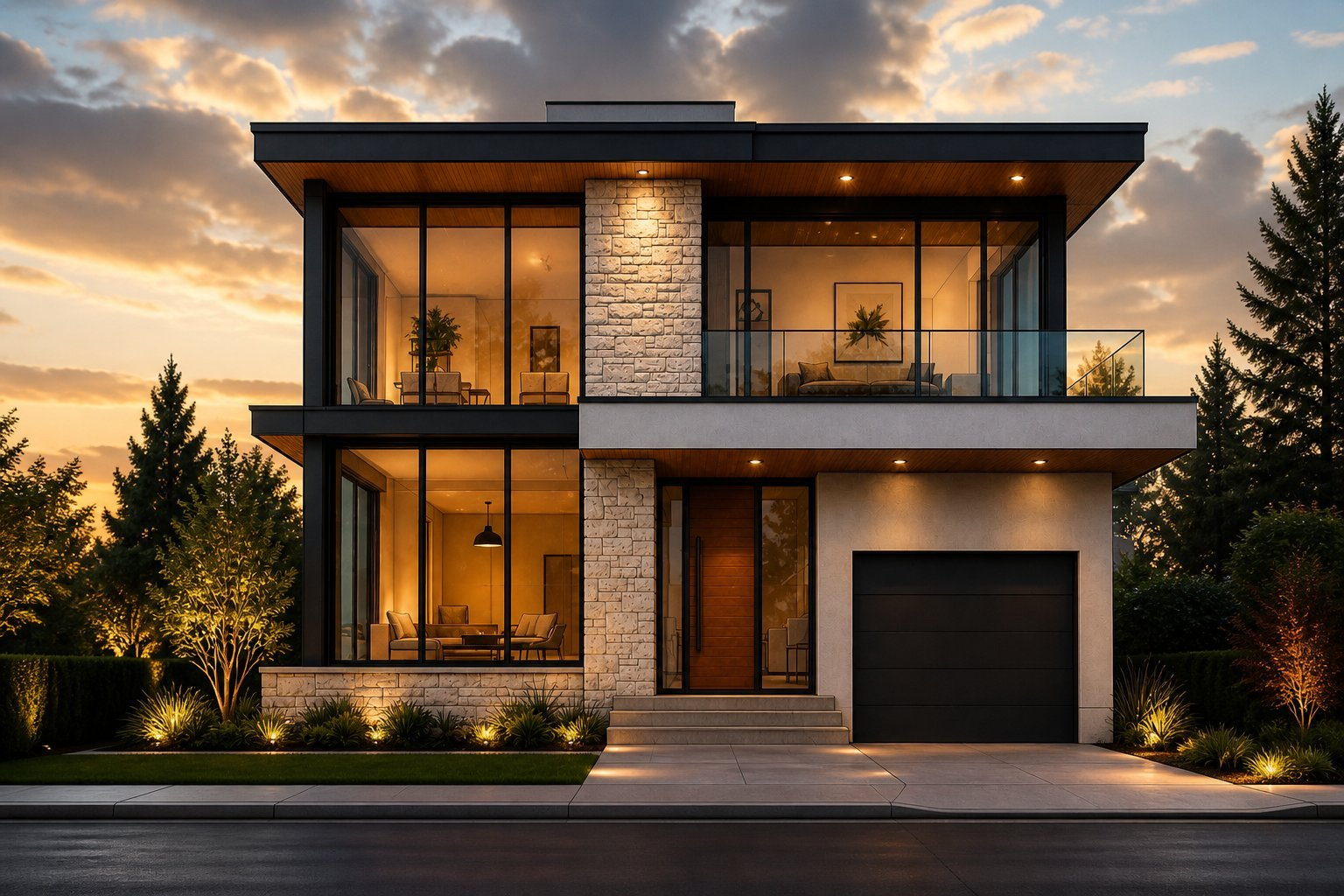
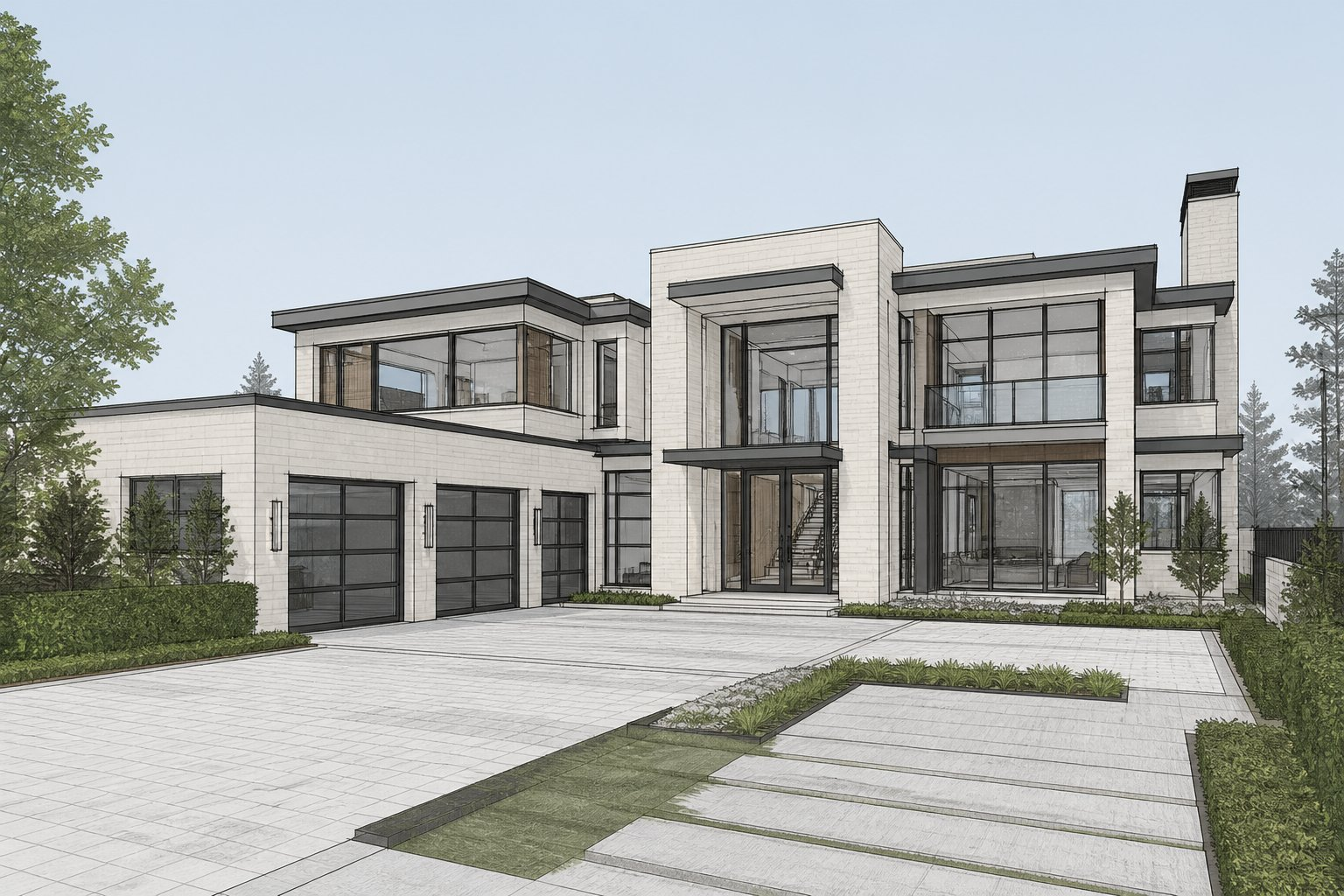
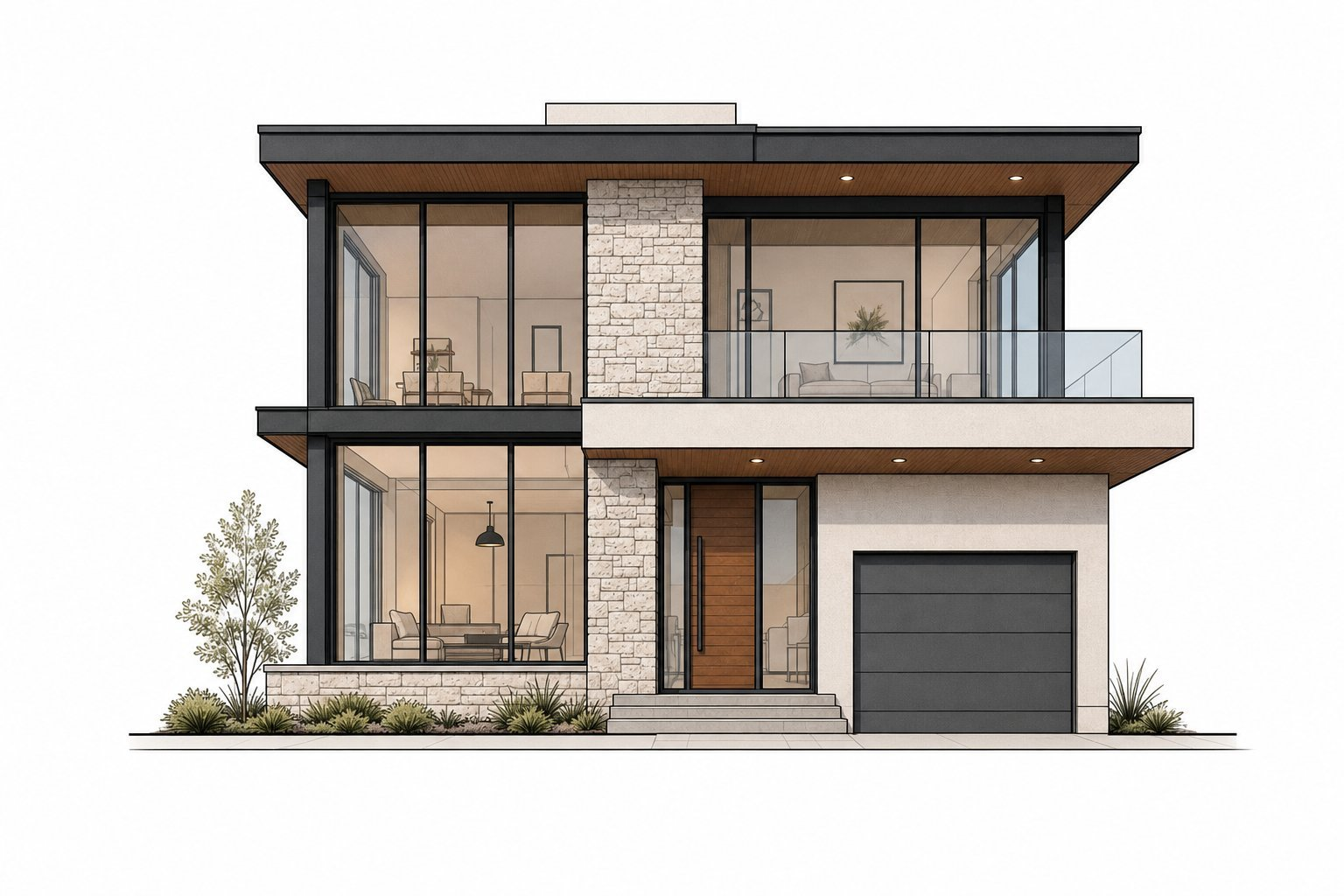
House Exterior — Drawing → Render

Architectural illustration converted to photorealistic render

Before
After
◁▷
BEFORE
AFTER

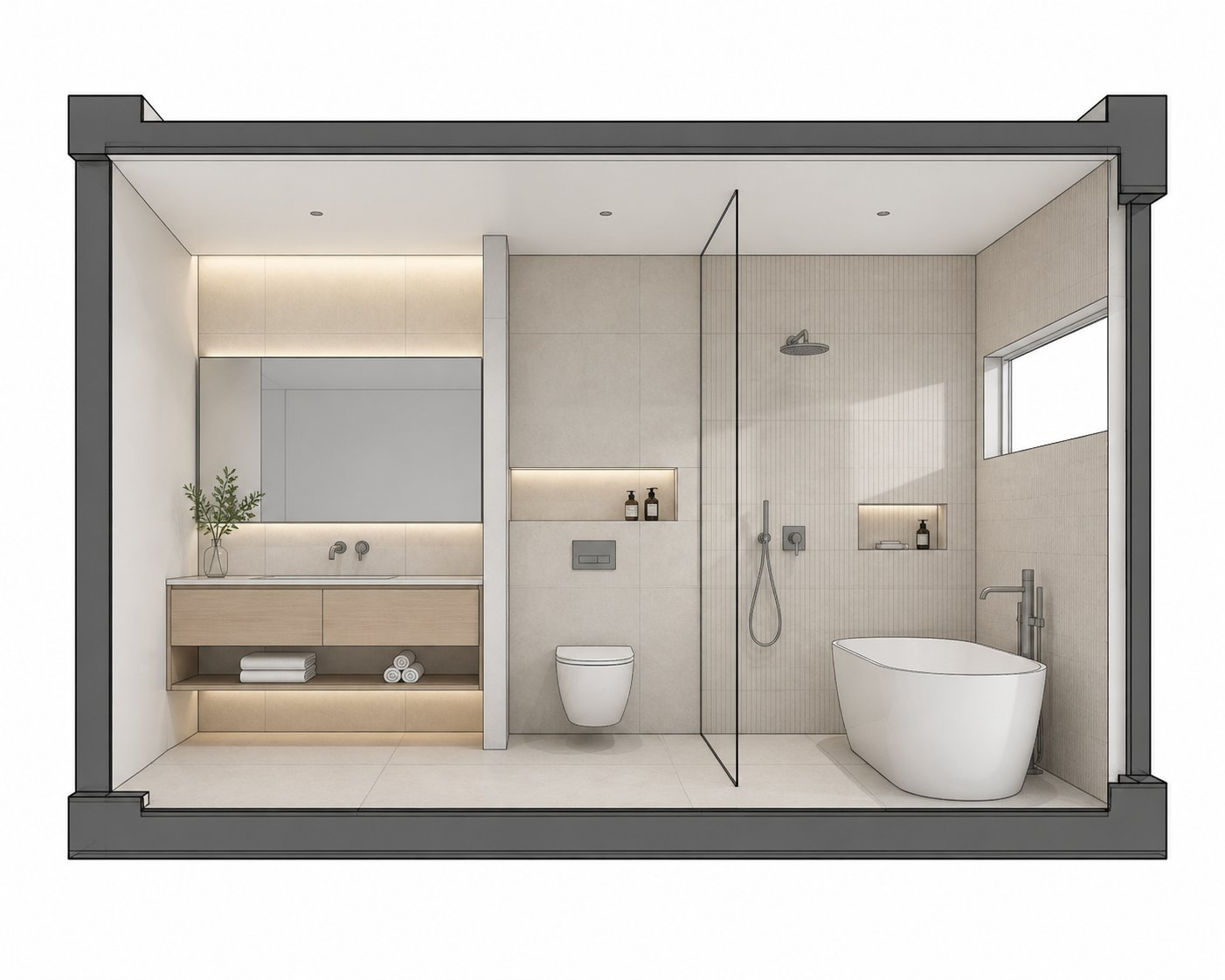
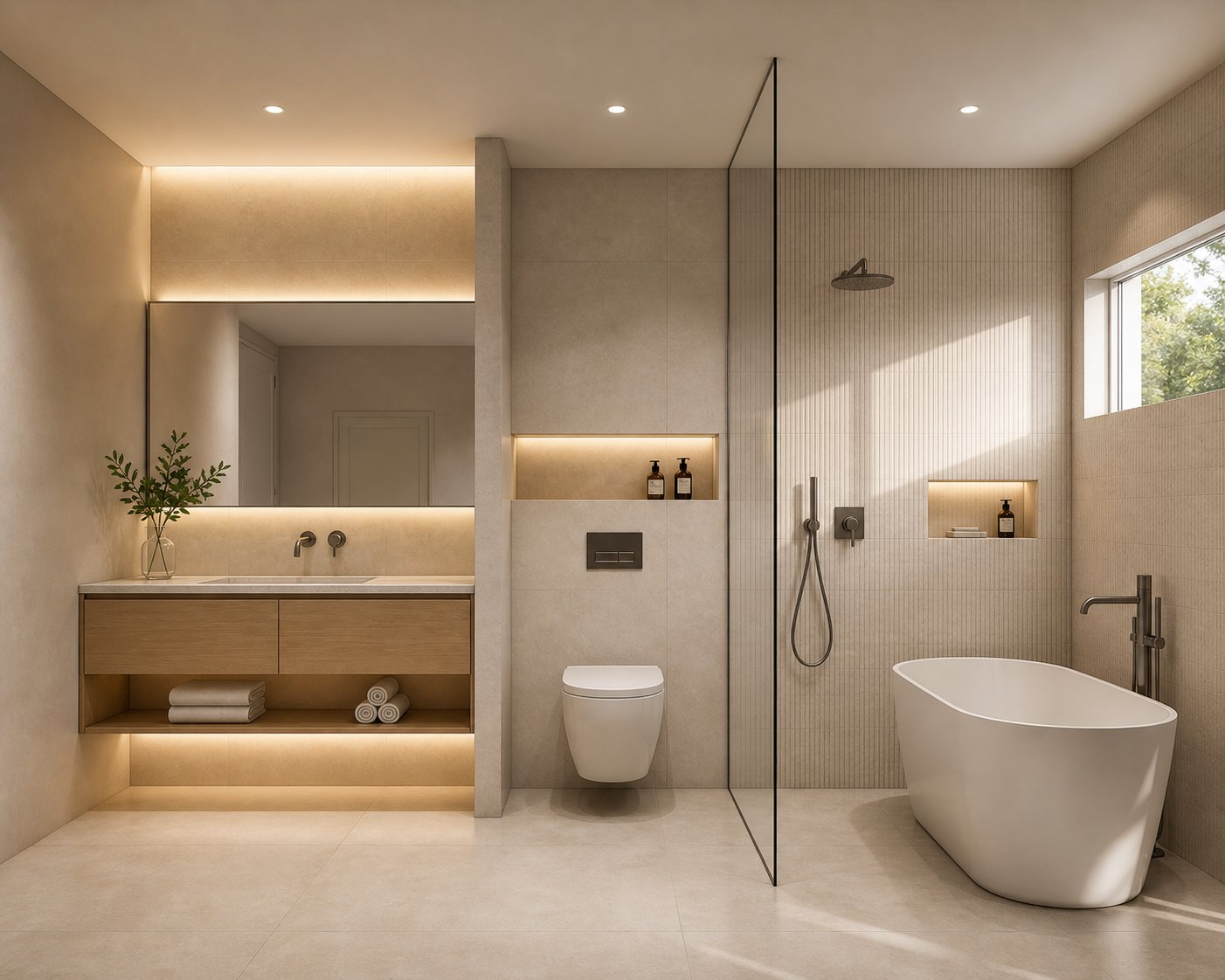
Bathroom Cutaway — Drawing → Render

Cutaway elevation transformed into a photorealistic spa bathroom

Before
After
◁▷
BEFORE
AFTER

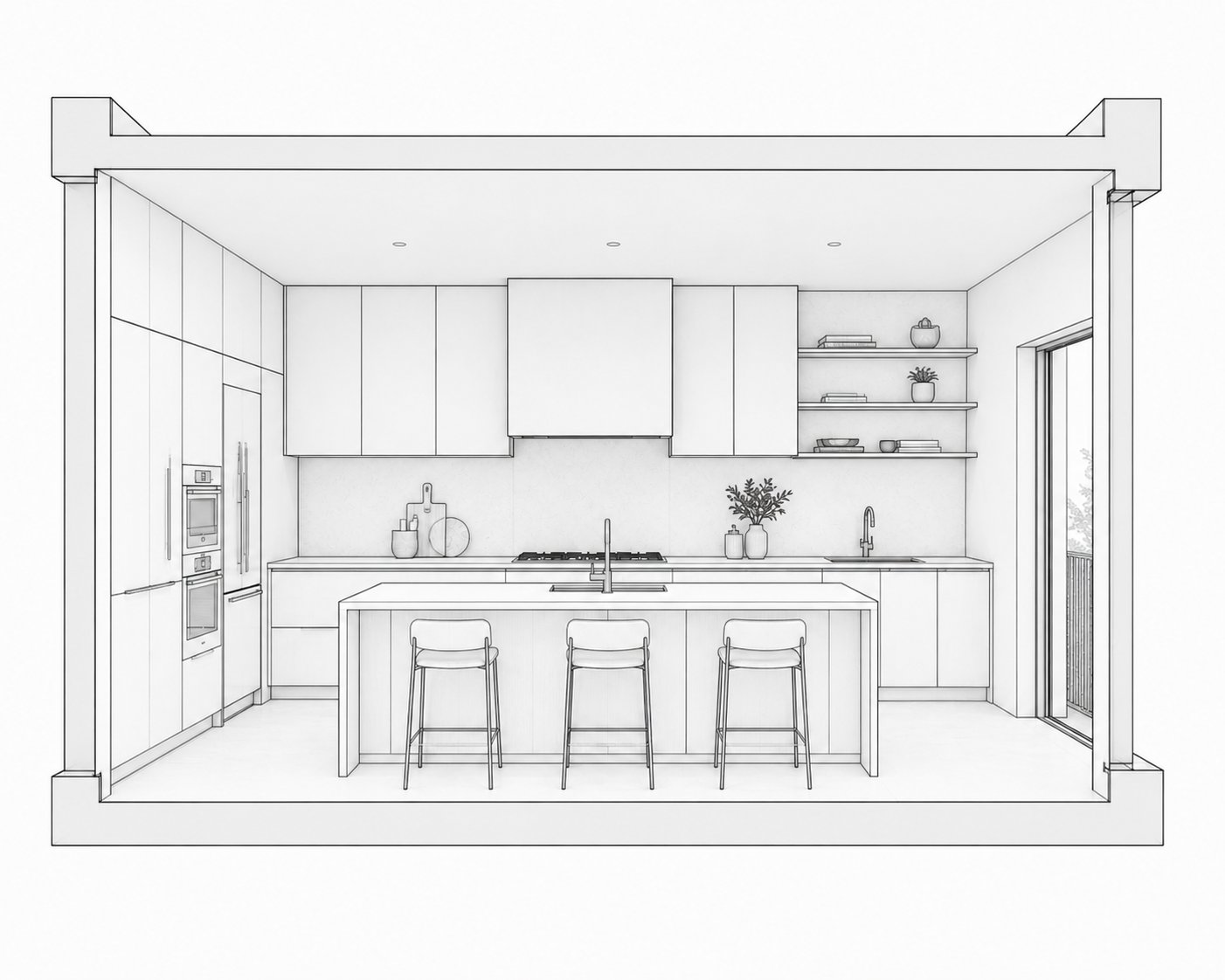
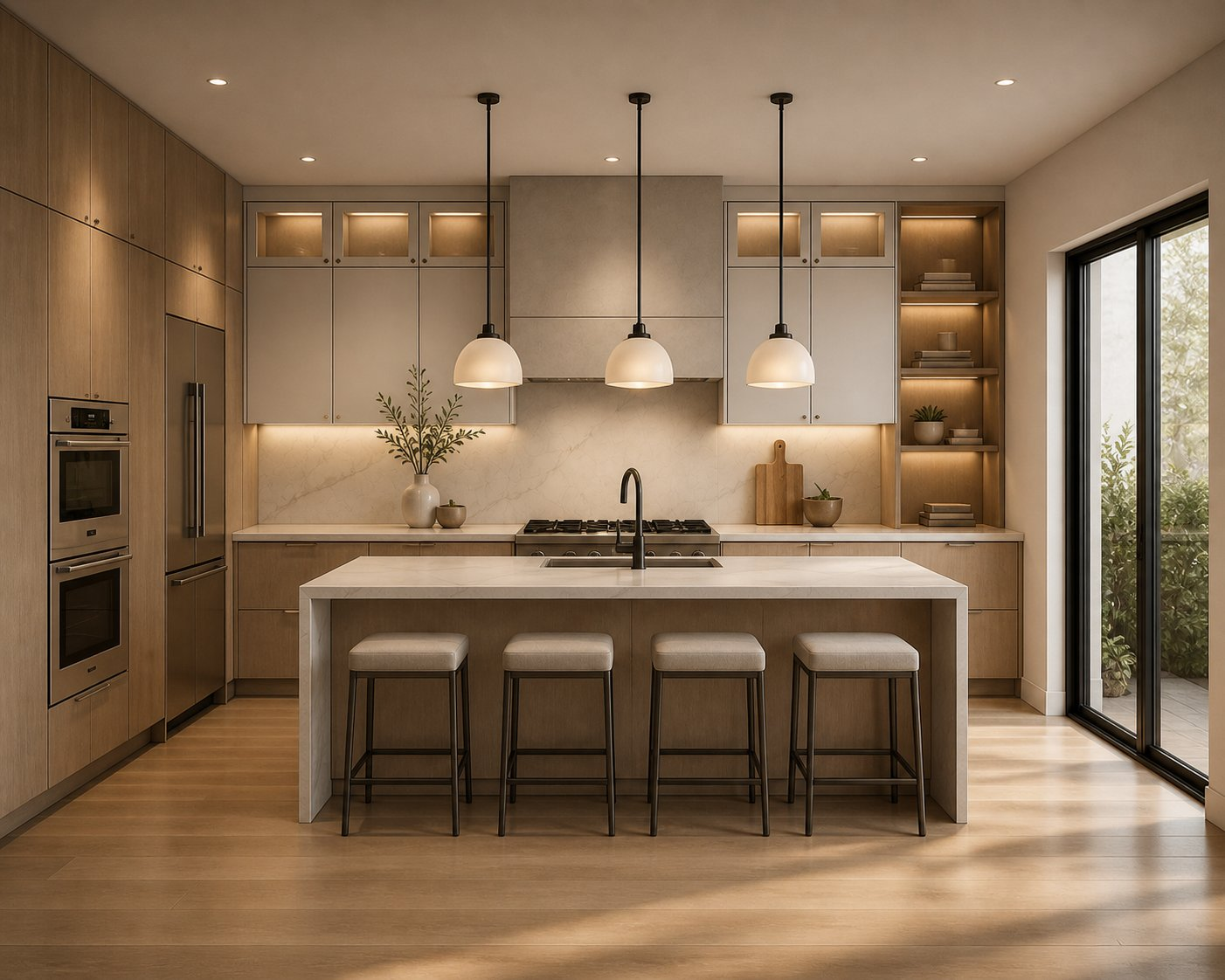
Kitchen Line — Drawing → Render

Line drawing converted to a warm modern kitchen render

Before
After
◁▷
BEFORE
AFTER

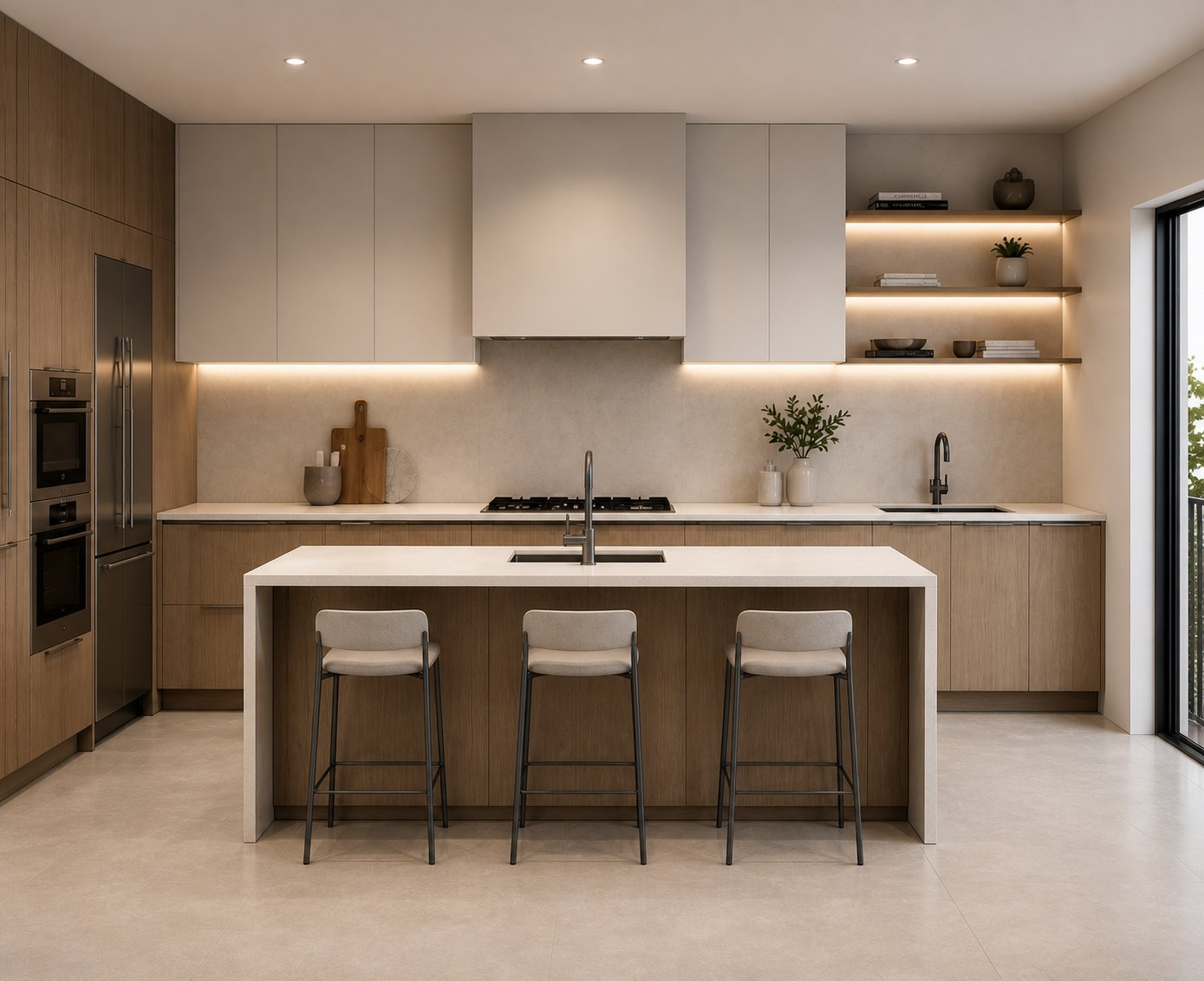
Kitchen — SketchUp → Render

SketchUp model rendered into a luxury kitchen visualization

Before
After
◁▷
BEFORE
AFTER

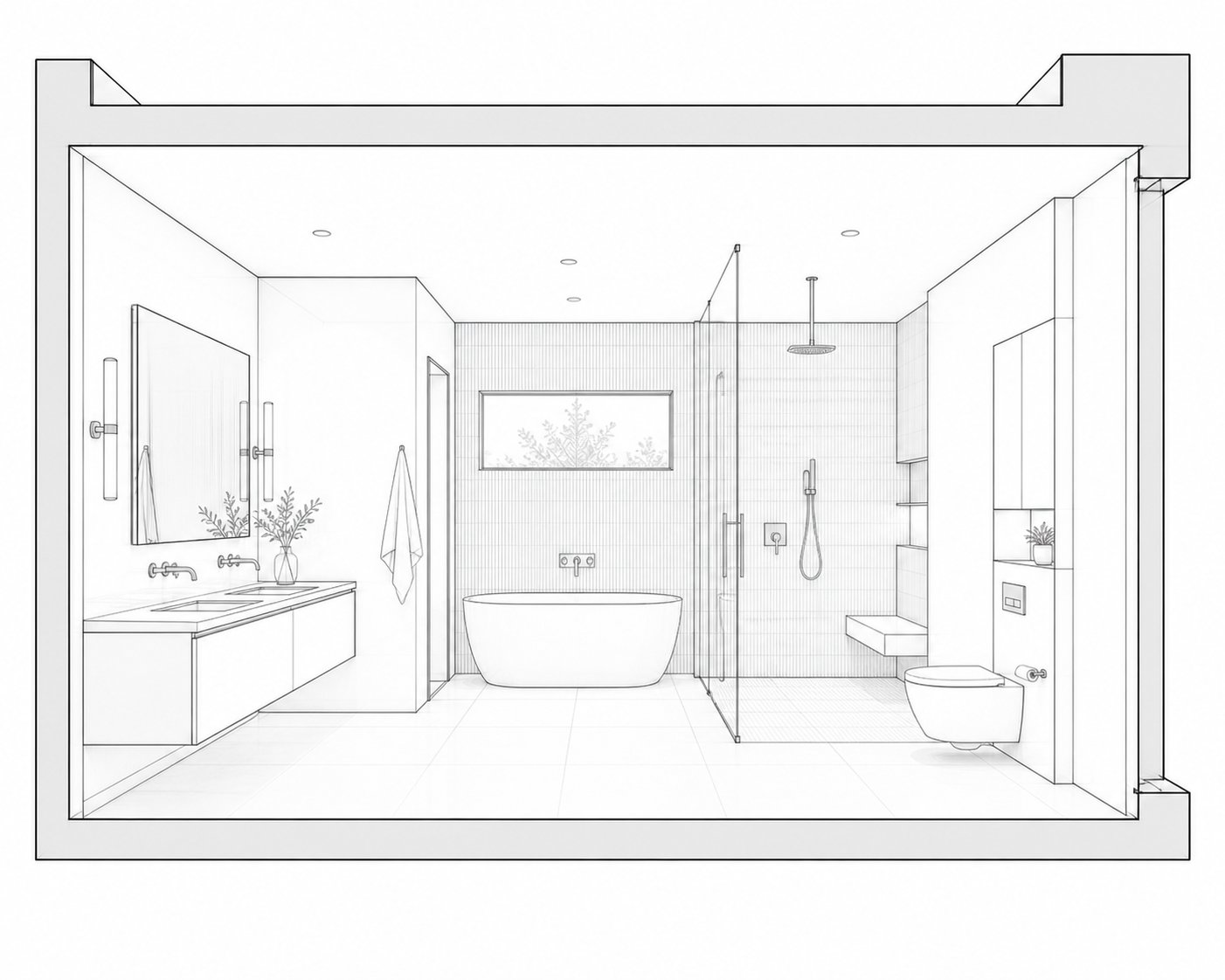
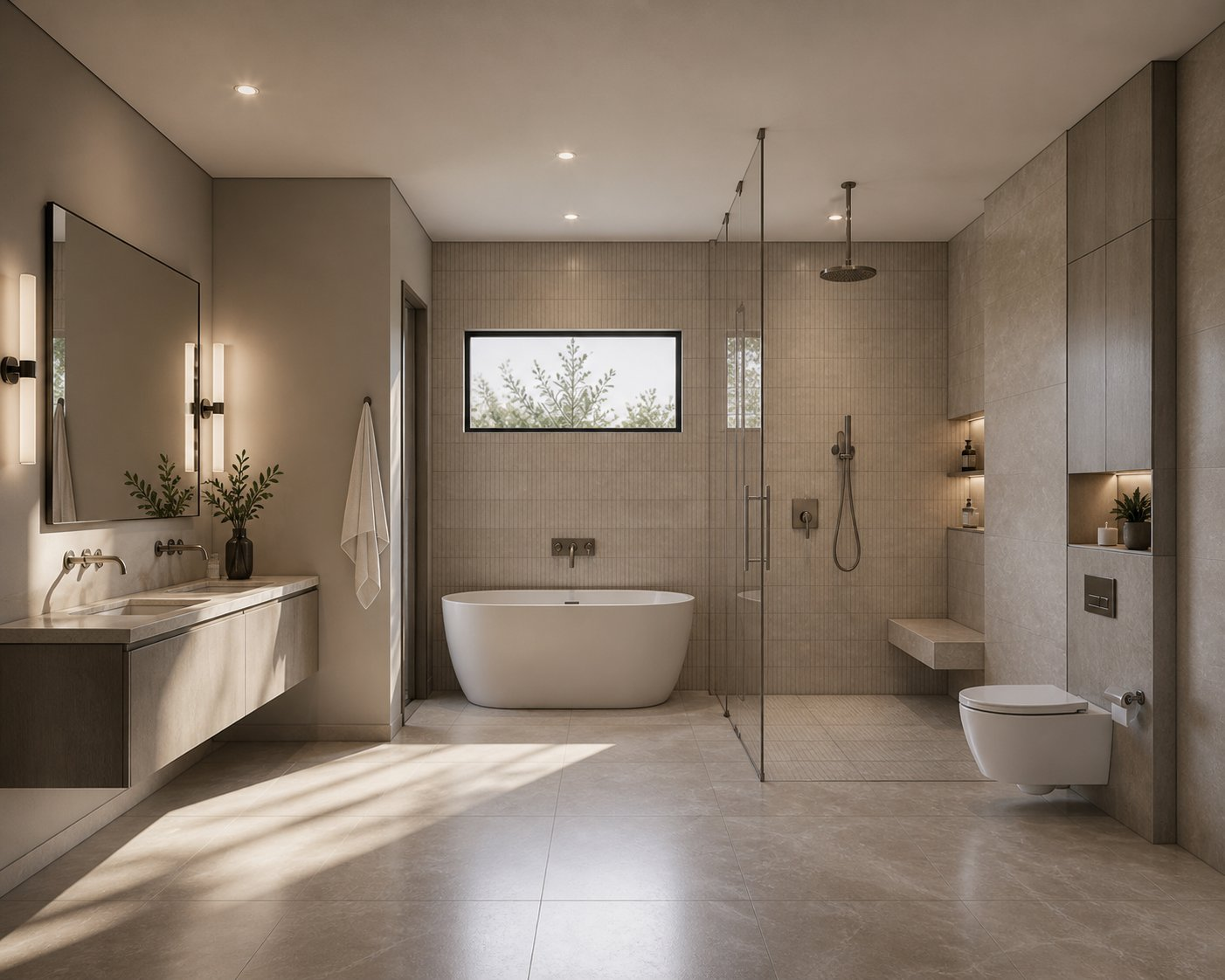
Master Bathroom — Drawing → Render

Master bath line drawing to photorealistic natural light render

Before
After
◁▷
BEFORE
AFTER

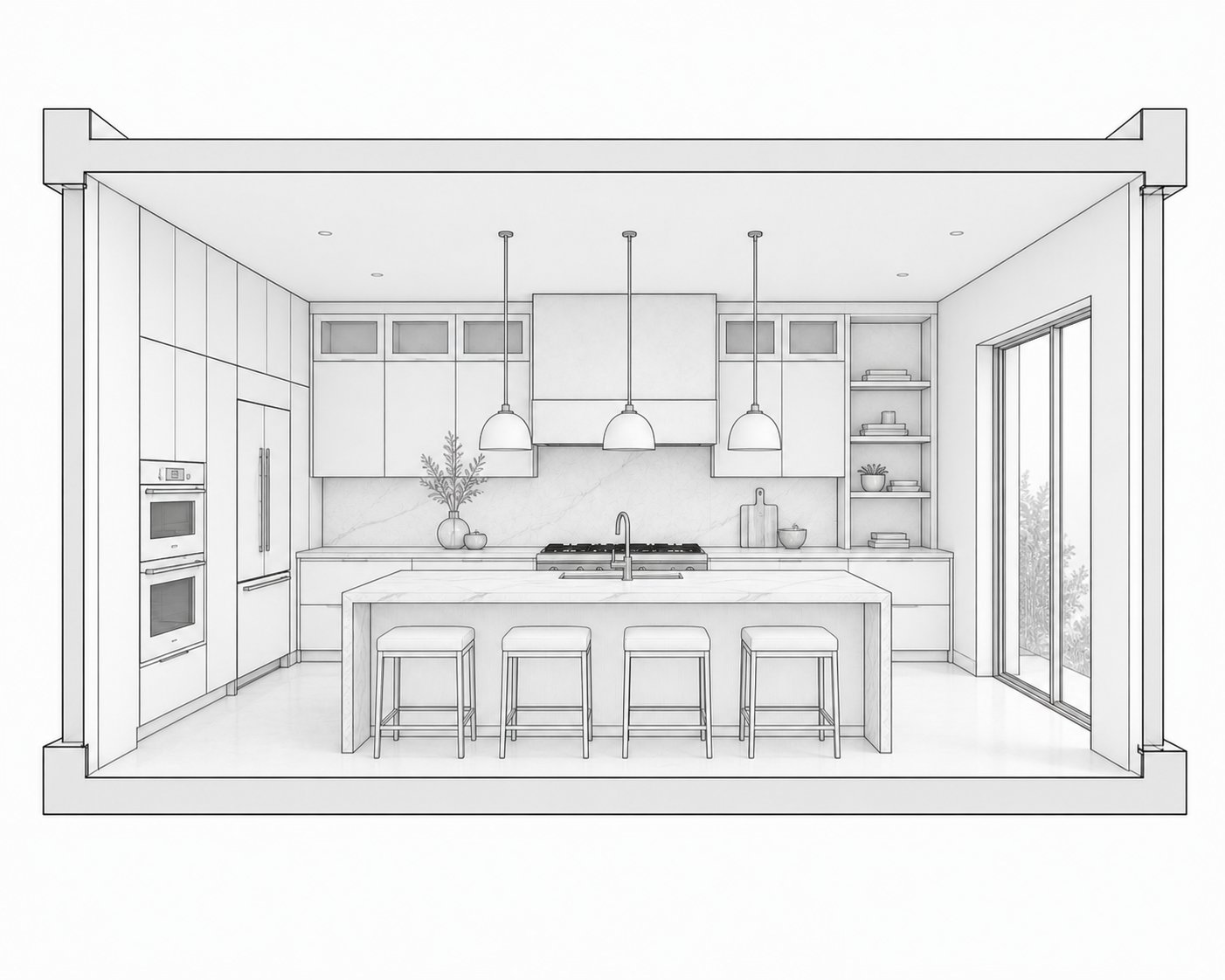
Kitchen Pendants — Drawing → Render

Detailed kitchen drawing rendered with warm evening lighting

Before
After
◁▷
BEFORE
AFTER

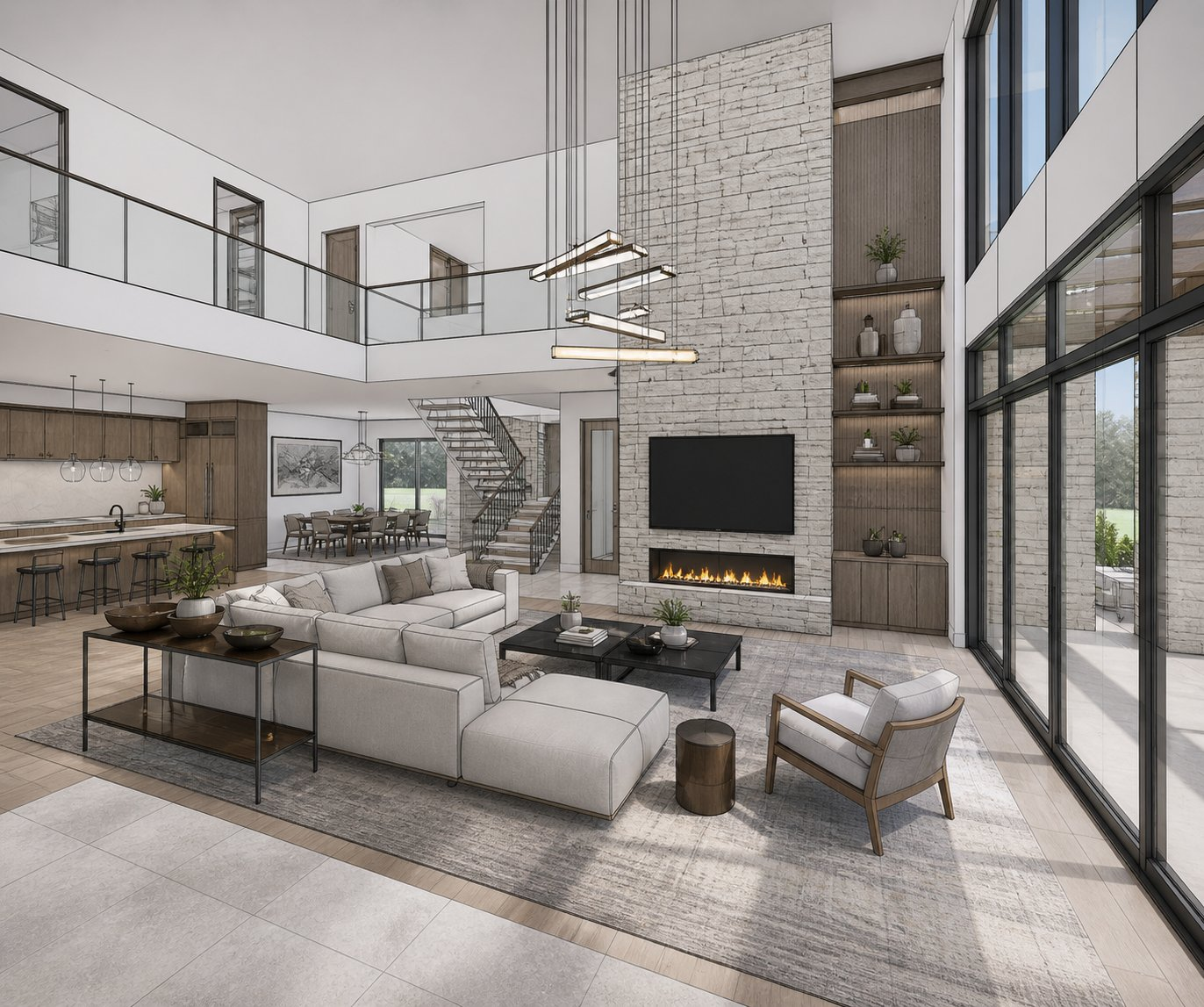
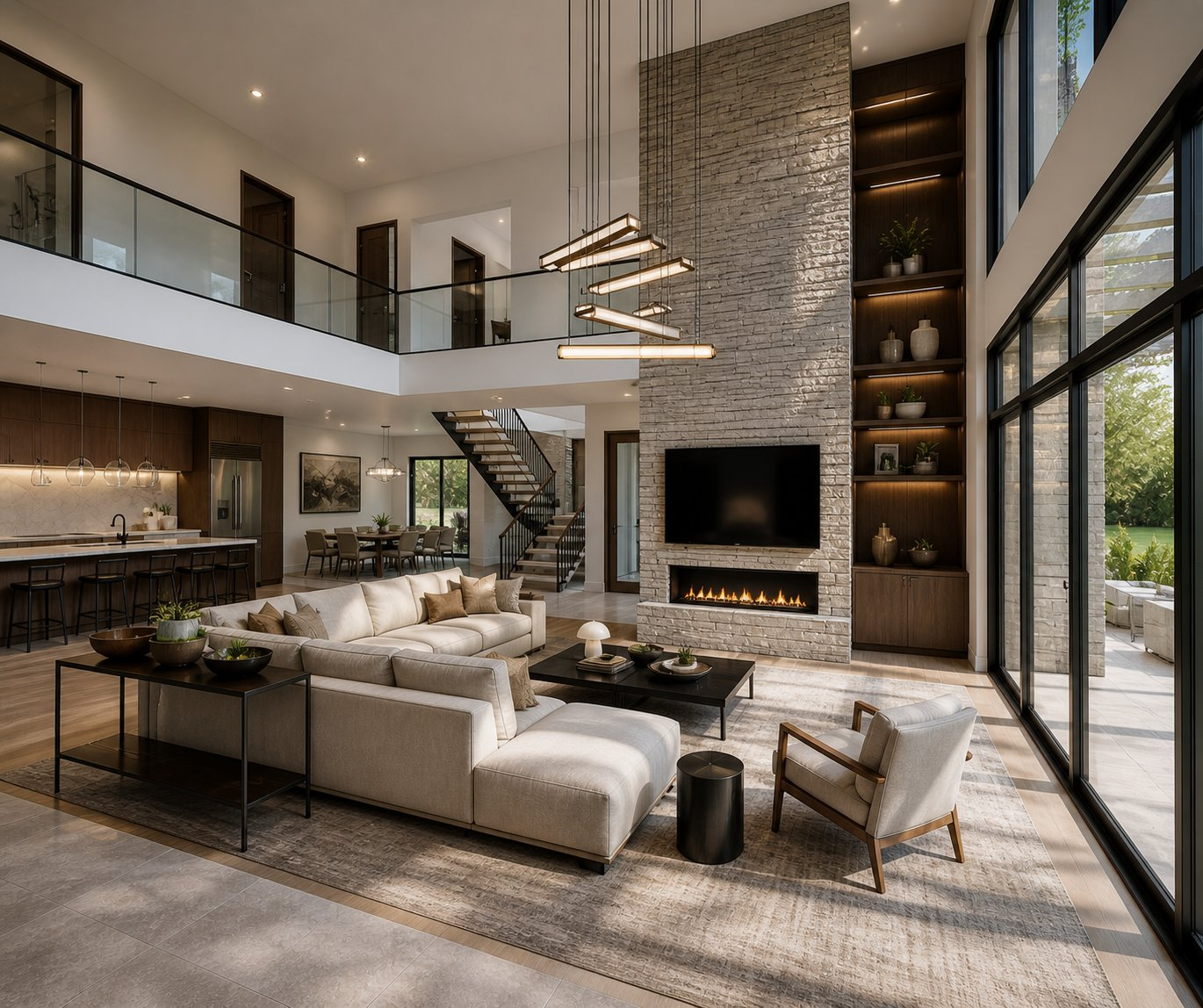
Living Room — Drawing → Render

Open plan living space sketch to photorealistic interior

Before
After
◁▷
BEFORE
AFTER

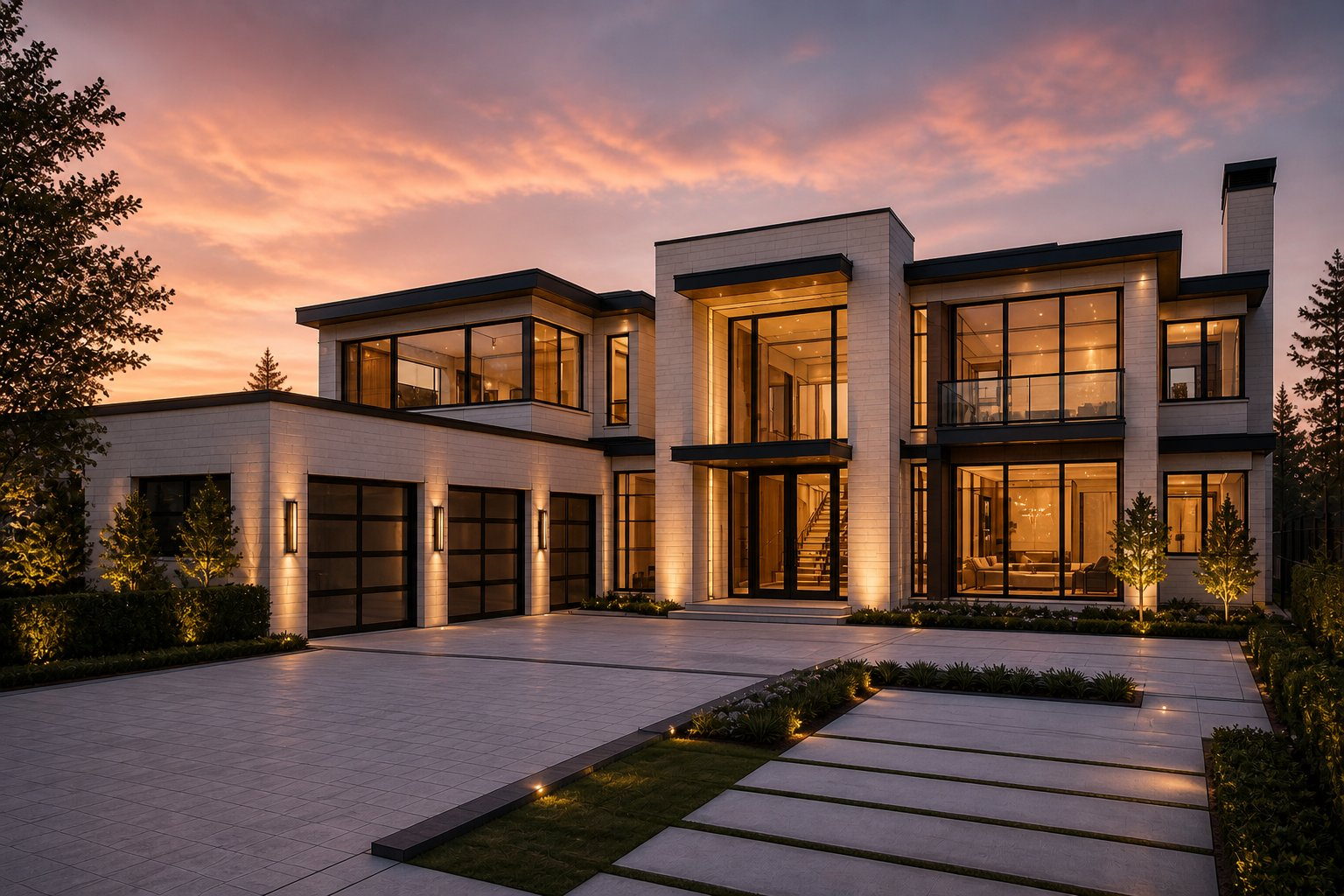
Luxury Home — Drawing → Render

Luxury home architectural rendering at golden hour

Before
After
◁▷
BEFORE
AFTER

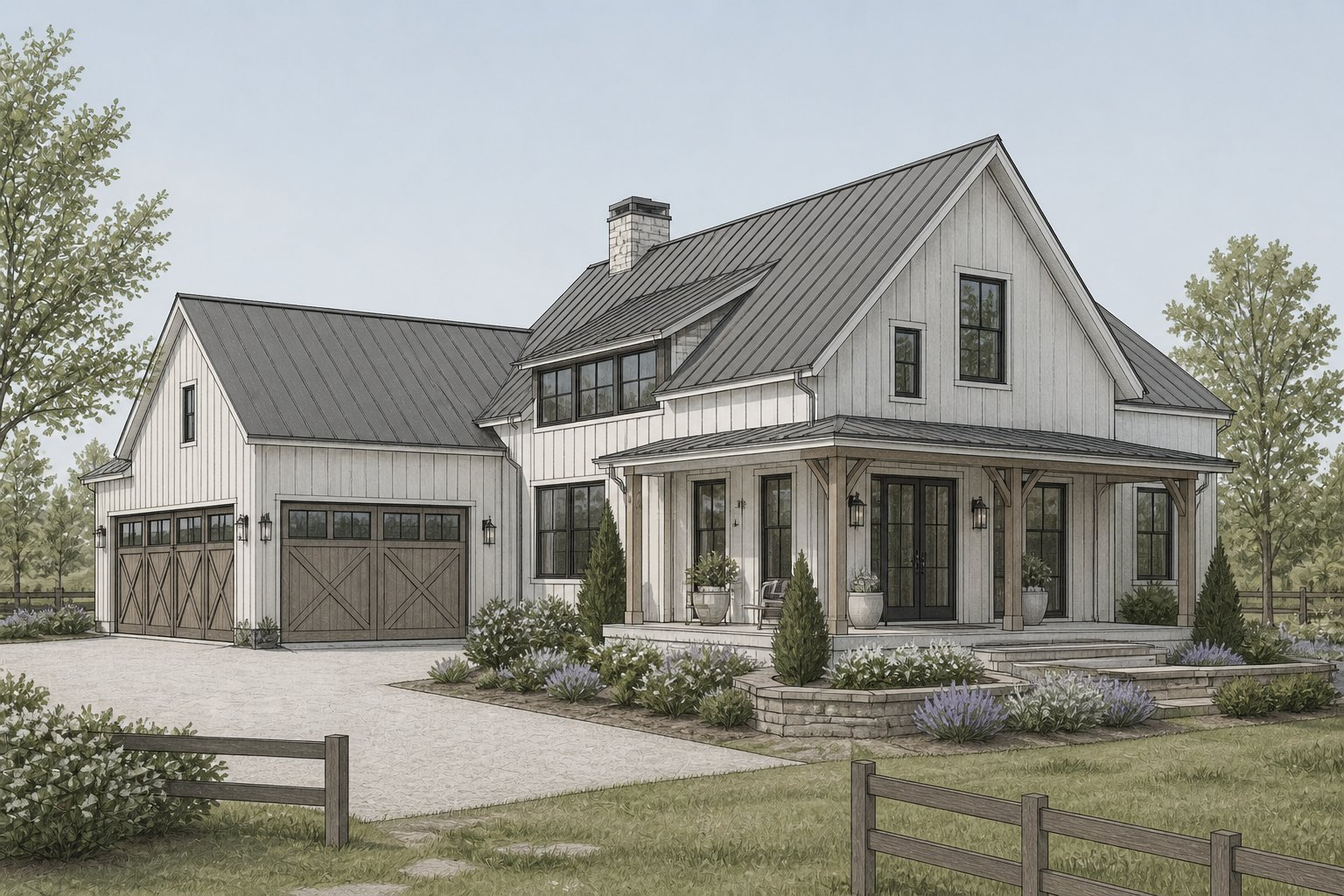
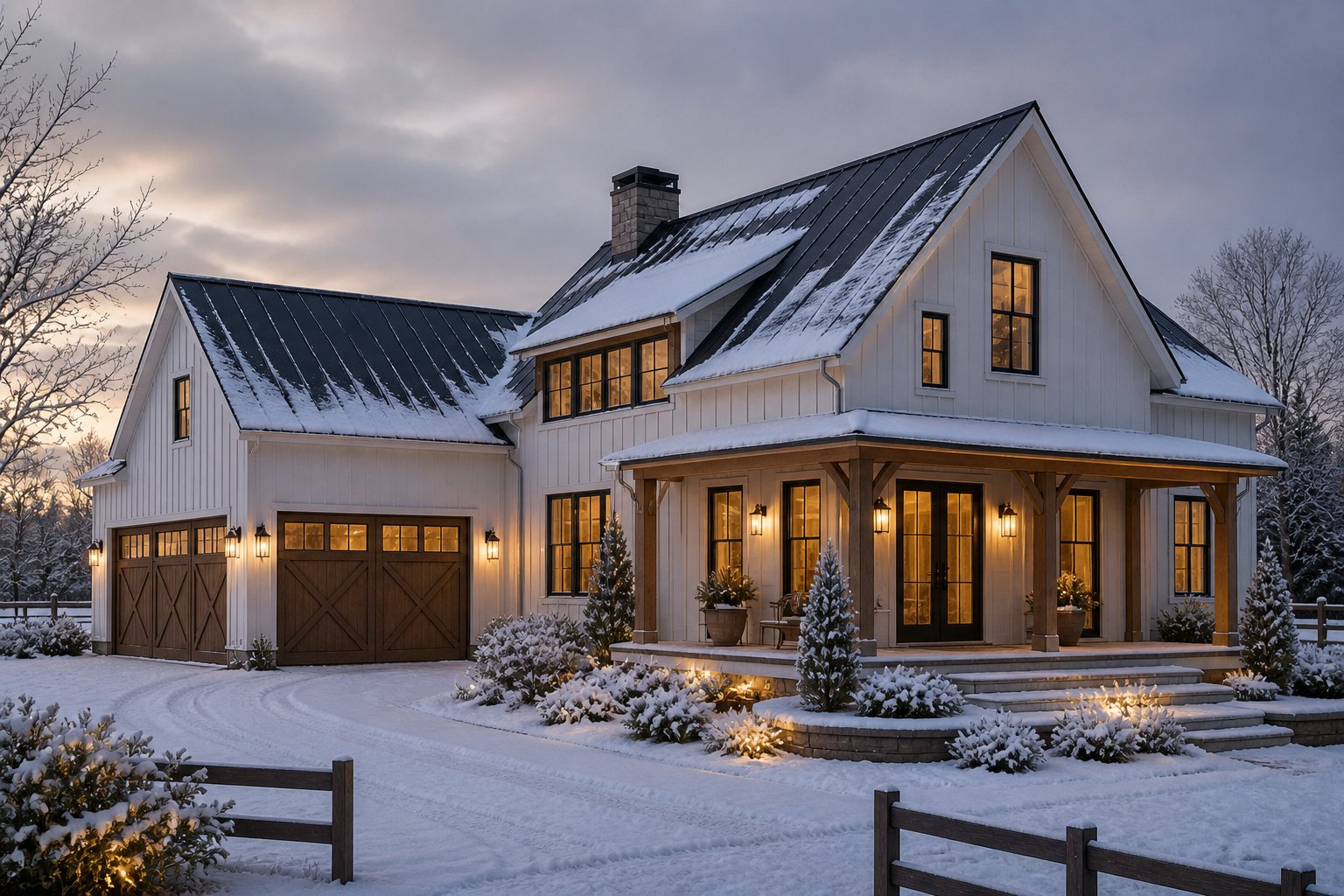
Farmhouse — Drawing → Render

Farmhouse illustration to winter evening photorealistic render

Industry Standards Built In

The AI knows the rules.
So you don't have to explain them.

DesignLock AI is trained on NKBA kitchen and bath guidelines, IES lighting standards, NEC electrical codes, ADA accessibility requirements, and IRC building codes. Every render it generates respects professional design standards — automatically.

No more correcting AI-generated layouts that violate clearances. No more explaining to clients why the render "doesn't look right." The standards are baked in from the start.

NKBA

Kitchen & Bath Guidelines

Clearances, work triangle, fixture placement

IES

Lighting Standards

Lumen levels, color temperature, fixture spacing

ADA

Accessibility Requirements

Doorways, clearances, reach ranges

NEC

Electrical Code

Outlet placement, circuit requirements

IRC

Building Code

Structural, egress, ventilation standards

Why DesignLock

Every other AI tool guesses.
DesignLock doesn't.

Every other tool

AI decides what to change
Random redesign output
No control over result
Regenerate endlessly

DesignLock AI

+You define what changes
+Structure locked by default
+2 precise options every time
+Edit loop for surgical fixes

Who uses it

Built for professionals

Interior Designers
Architects
Revit Users
SketchUp Users
Real Estate Agents
Developers

Features

Everything you need to render with confidence

Built for professionals who can't afford AI that ignores their work.

Structure Lock

AI only changes what you permit. Layouts, dimensions, and code-compliant decisions stay exactly as designed.

Sketch to Render

Upload Revit elevations, SketchUp models, or hand drawings and get photorealistic renders instantly.

Standards Trained

Built on NKBA, IES, ADA, NEC, and IRC standards so every render respects professional codes.

AI Inpainting

Paint over specific areas to change only what you select. Everything else stays locked.

Style Control

Choose from multiple architectural styles and lighting moods while preserving your structure.

Render History

Every render saved automatically. Review, download, or regenerate any previous result.

Fast Rendering

Photorealistic results in seconds, not hours. No render farm, no V-Ray license needed.

Before & After

Side-by-side comparison view so clients instantly see the transformation from drawing to render.

Virtual Staging

Upload an empty room photo and select a style. Our AI furnishes it with expert-level staging following professional design principles, IES lighting standards, and real estate staging guidelines.

4K Upscaling

Upscale any render to ultra-high resolution with one click. Deliver print-ready, presentation-quality images to clients without losing detail.

Get started

Ready to take control?

2 free renders — no credit card required.

Launch Studio